Automate your shipping with Shopify Flow
Globe ships native Shopify Flow actions: assign the nearest pickup point automatically when a customer doesn't pick one, and create shipping labels the moment an order is placed or paid. A zero-touch workflow from checkout to label, with every run visible in Flow history.
14-day free trial · native Shopify Flow actions

Live in shops like


Case studies
Stores that automate shipping with Shopify Flow
Labels, pickup points and order updates that run on their own in Shopify Flow. See what these stores automated and how.
“The app works great, and so does the fast, helpful customer support. We recommend it to anyone considering Shopify.”
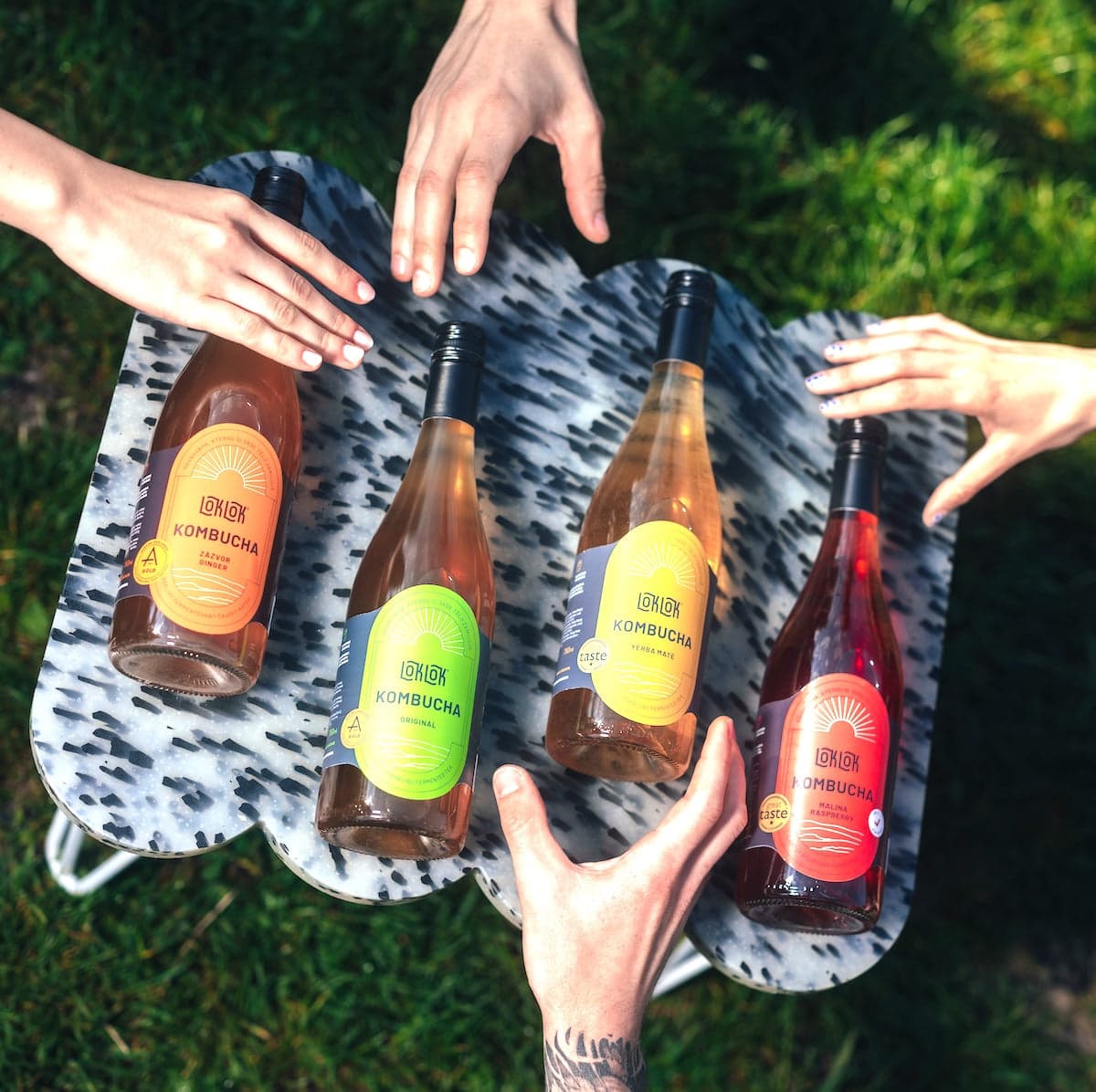
 Czechia & Slovakia · Shopify BasicHow Loklok uses Globe to ship kombucha cartons with DPD, to the door and to pickup pointsRead the story →
 Czechia & Slovakia · Shopify GrowLabels made in Flow, the PDF sent to their warehouse appRead the story →
 Czechia & Slovakia · Shopify PlusTheir own Flow on top of Globe's pickup point dataRead the story →
Why
From chasing orders by hand to a label the moment they're paid
By hand
- 1Spot orders that came in without a pickup point
- 2Look up the nearest point yourself
- 3Open each order and create the label
- 4Check that nothing failed on the way
With Globe in Flow
- 1Order is paid
- 2Flow runs Globe's actions
- Done.
Nearest point assigned
When an order arrives without one
Label created on its own
Same carrier mapping as manual export
Every run in Flow history
Carrier errors shown, nothing lost silently
How it works
Auto-assign points, auto-create labels
 Z-BOX Praha 5, Smíchov
Auto-select the nearest point
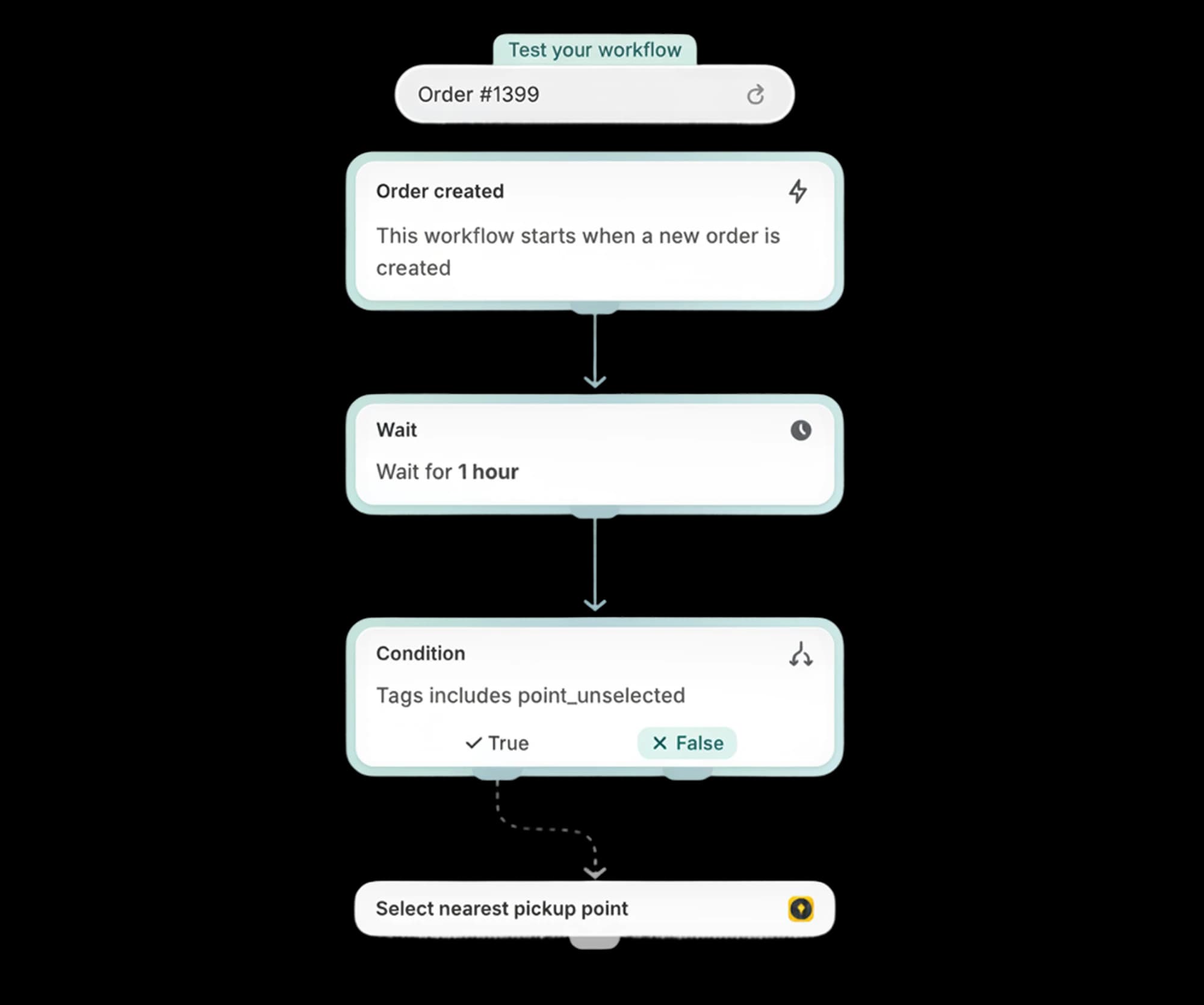
If an order arrives without a pickup point, Flow assigns the nearest one to the customer's shipping address automatically, so orders are fulfillment-ready without manual follow-up. Start from our one-click Flow template.
Labels created automatically
Trigger label export on any Flow event: order created, order paid, fulfillment request. The action uses the same logic as the manual export: carrier mapping, metafield overrides and auto-fulfillment all apply.
Combine with anything in Flow
Filter by shipping method, country or order value; chain with tags, Slack notifications or email steps. Failed exports show up in the Flow run history, so nothing slips through silently.
Setup guides: Automatic shipping label creation with Flow ↗
Setup and cost
Nothing new to configure
The Flow actions reuse your Globe setup. If the Create shipping labels button picks the right carrier, the automation will too.
What you need
- Your carrier accountsThe same ones your manual labels use
- Shipping method mappingAlready set up in Globe
- Our one-click Flow templateTrigger, optional condition, Globe action
Automatic labels
Print shipping labels automatically
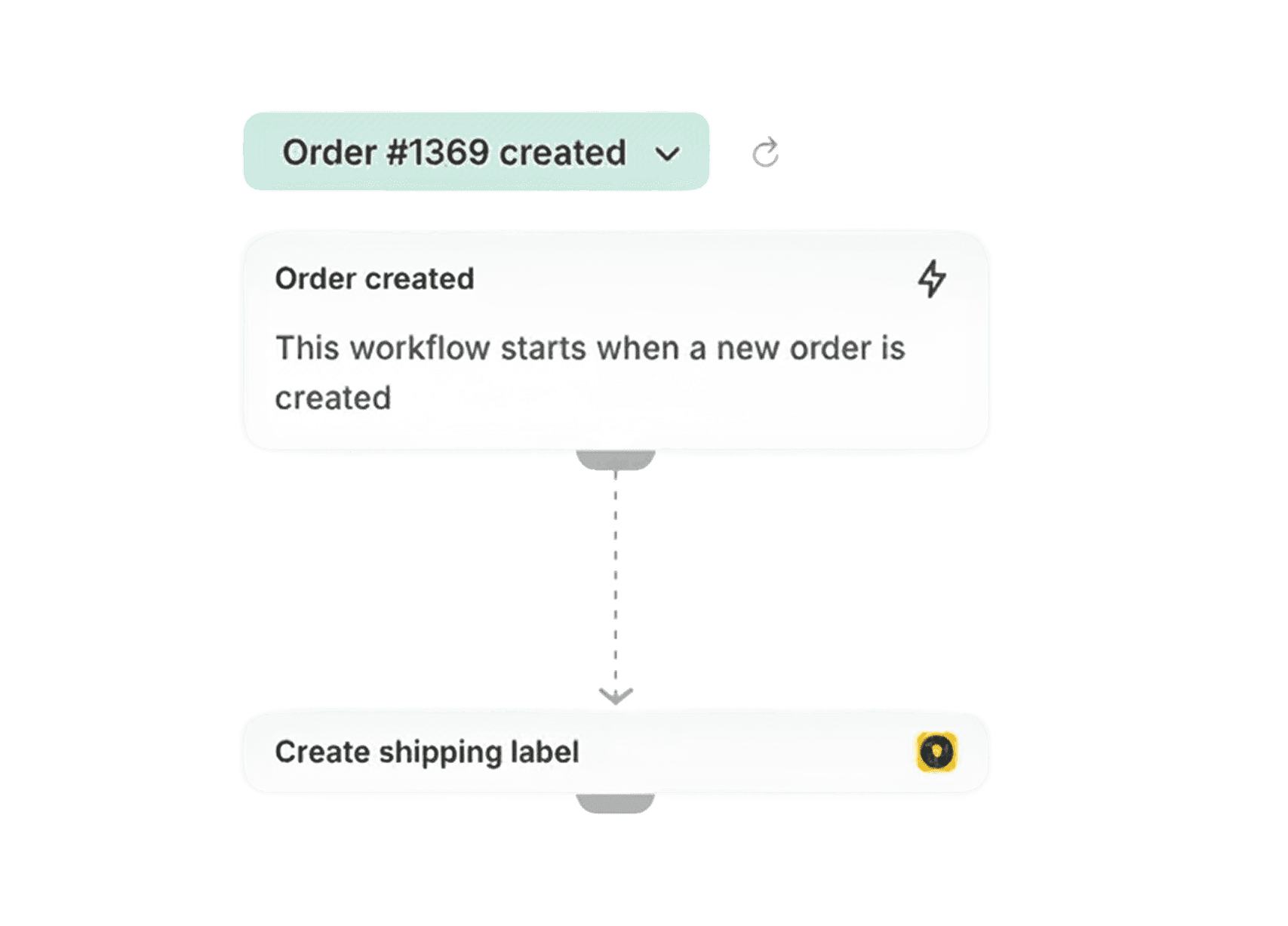
Add Globe’s “Create shipping label” action to any Flow workflow: on order created, order paid or fulfillment request. It uses the same logic as manual export: carrier mapping, metafield overrides and auto-fulfillment included, so paid orders go from checkout to a printed label with zero clicks.
FAQ
Frequently asked questions
Can't find your answer? Write to us.
What happens if a customer doesn't select a pickup point?
You choose the strategy: send automatic email reminders, block checkout, or let Shopify Flow assign the nearest pickup point to the shipping address automatically. Orders stay fulfillment-ready either way.
When are labels created automatically?
Whenever your Flow triggers, typically on order creation, payment, or fulfillment request. You can add conditions, e.g. only for pickup-point shipping methods or specific countries.
What if the carrier API returns an error?
Shopify Flow marks the run as failed and shows the carrier's error message in the run history, so you can fix and re-export. Nothing is silently lost.
Do I need to configure anything special?
Just your normal carrier accounts and shipping-method mapping in Globe. The Flow actions reuse that configuration. If the manual “Create shipping labels” button picks the right carrier, the automation will too.
How do I set up a Flow that assigns the nearest pickup point?
Three steps: (1) trigger: Order created; (2) condition: the shipping method is a pickup-point method (optional); (3) action: “Globe: assign the nearest pickup point”. You can also set a maximum radius (e.g. 5 km) so a point is only assigned when one actually exists within that distance of the customer's address. Add a second action, “Globe: create shipping label”, to go fully zero-touch. Start from our one-click Flow template.
More in Globe
Every feature works with the others
Every feature is part of Globe, the top-rated Shopify pickup points app.
14-day free trial
Let Flow assign the point and create the label.
Streamline your shipping with 65+ carriers, automated label printing, and over 5M+ pickup points worldwide. Start in minutes with our free 14-day trial. Quick setup, no commitments.