Print shipping labels directly in Shopify for all your orders
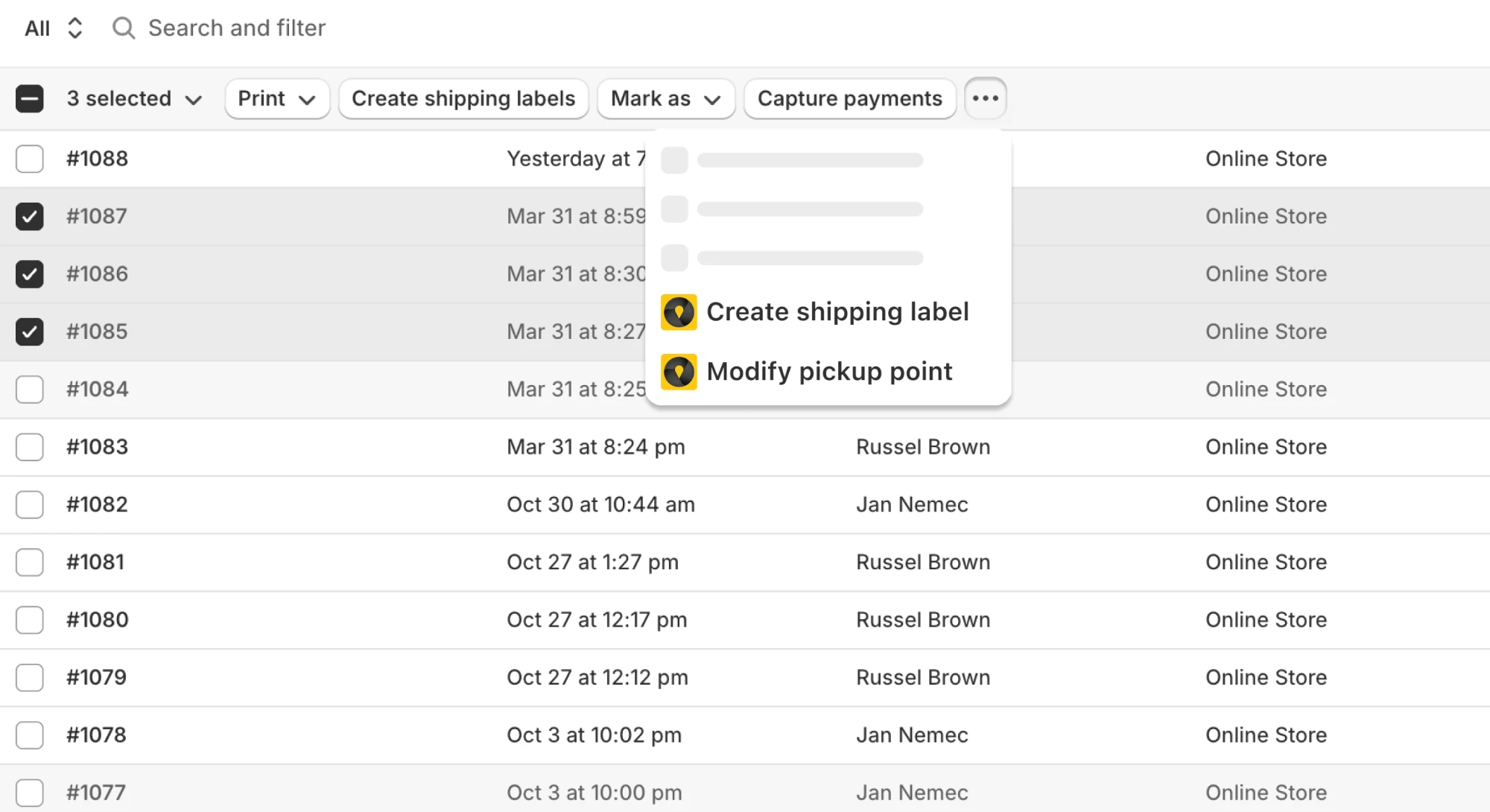
Export orders and print labels for 31 carriers without leaving your Shopify admin, in bulk or one by one, at no extra cost. And it works for every order, not just pickup points: home delivery labels print exactly the same way. No re-keying orders into a separate carrier portal.
14-day free trial · no extra cost per label



31 carriers with direct API label printing
Connected straight to each carrier’s API. Print official labels in Shopify without a separate carrier portal, at no extra cost per label.
See all carrier integrations

























Case studies
Stores that print their carrier labels with Globe
Labels straight from Shopify orders, one at a time, in bulk or automatically, for every carrier they ship with. See how each store set it up.
“It’s intuitive, reliable, and has saved us countless hours.”
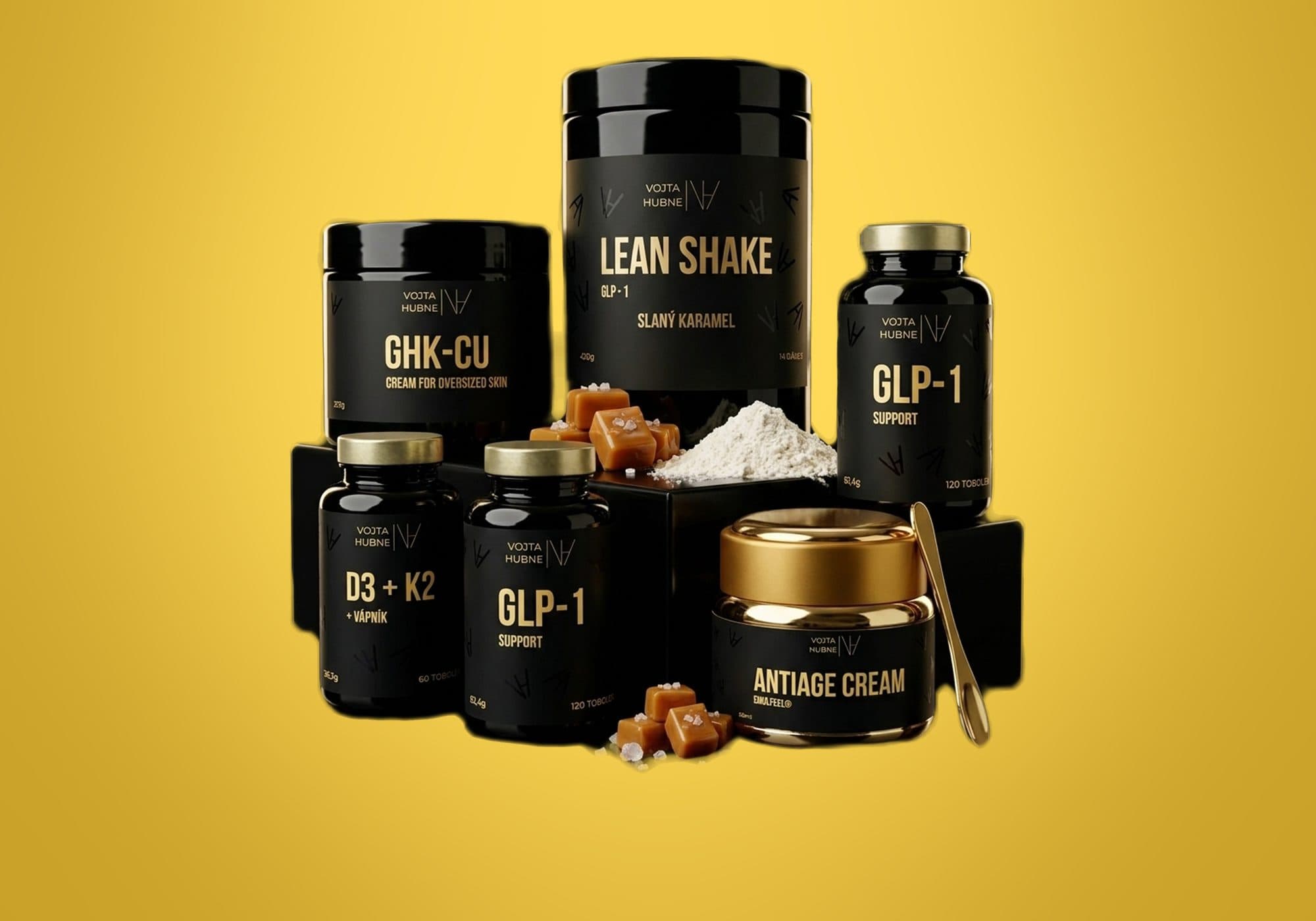
 Central Europe · Shopify GrowAddress and pickup point labels from one batch in a single PDFRead the story →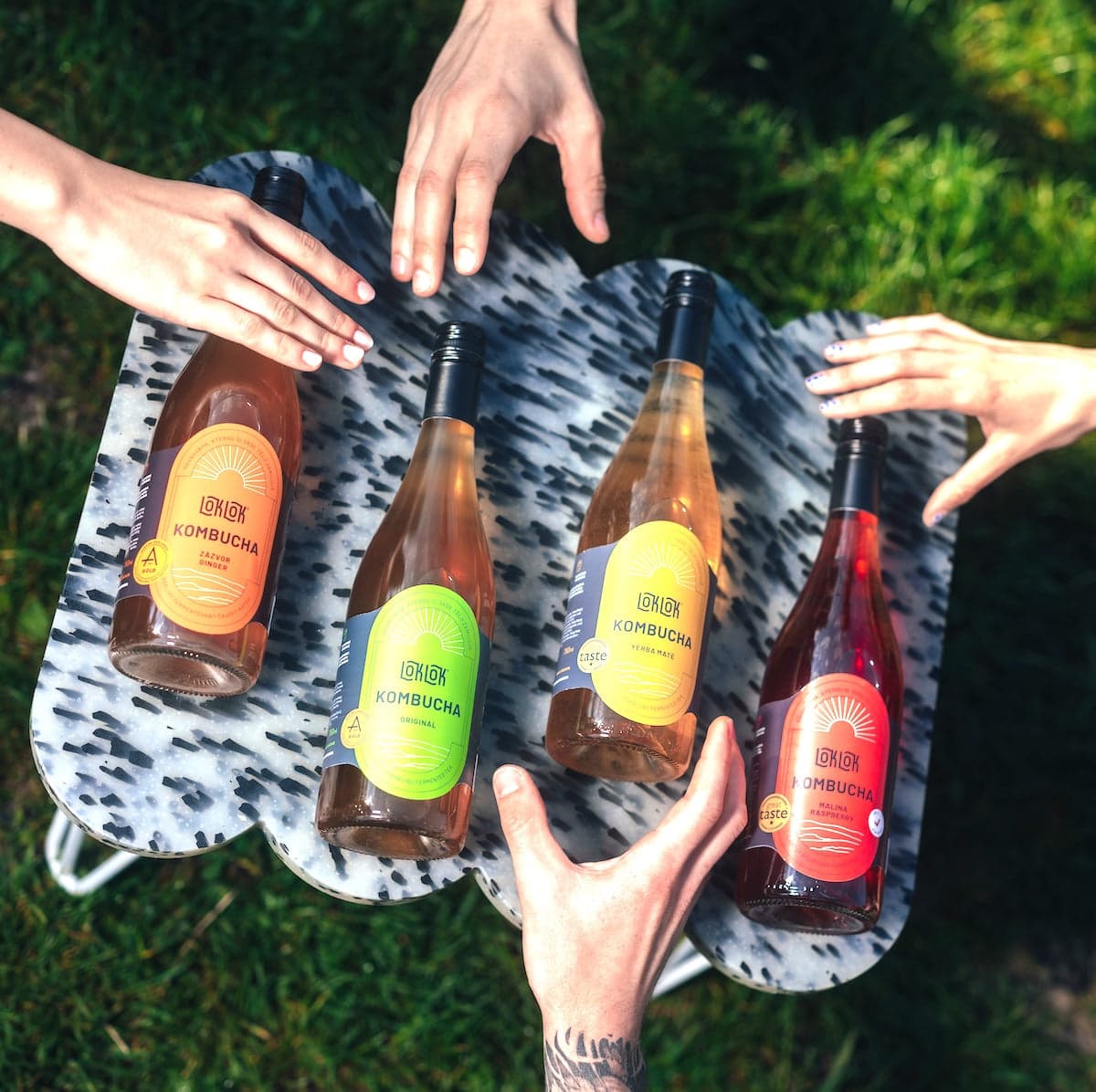
 Czechia & Slovakia · Shopify BasicHow Loklok uses Globe to ship kombucha cartons with DPD, to the door and to pickup pointsRead the story →
 Czechia & Slovakia · Shopify PlusHow Facederma packs and ships skincare through Packeta with GlobeRead the story →
 Czechia · Shopify BasicHow Bohemian Coffee House sends freshly roasted coffee to Z-BOX lockers, picked right in the slide-out cartRead the story →
 Czechia & Slovakia · Shopify BasicCOD amounts on the label, even for draft ordersRead the story →
 Worldwide · Shopify PlusOne order, two parcels, two labels, weeks apartRead the story →

Why
From five steps in a carrier portal to one click in Shopify
In the carrier portal
- 1Export the order
- 2Retype the address into the portal
- 3Download and print the label
- 4Copy the tracking number back
- 5Fulfil the order by hand
With Globe
- 1Select orders in Shopify
- 2Click Create shipping labels
- Done.
Label printed
A6 or A4, every carrier in one PDF
Order fulfilled automatically
No manual step in Shopify
Tracking sent to the customer
In Shopify's own shipping email
How it works
Print for 31 carriers inside Shopify
Bulk or one by one
Select orders on the Orders page and export in bulk, or print a single label from the order detail. Labels are ready to download in seconds.
31 carriers, direct API
Official labels straight from each carrier’s API, without a separate carrier portal and at no extra cost per label.
Automatic fulfillment & tracking
Orders are marked fulfilled automatically and your customer receives the tracking link. Delivery statuses sync back to Shopify for supported carriers.
Developer setup guides: Carrier API integrations ↗
Setup and cost
Your carrier contract. No extra cost per label.
Label printing is part of your Globe plan. You ship on your own contract with each carrier, so the prices you negotiated stay yours.
What you need
- A contract with the carrierPacketa, GLS, DPD, PPL or any of the direct-API carriers
- API credentialsPer carrier, the docs show where to find them
- Map your shipping methodsWhich Shopify method goes to which carrier
Hands-free
Labels without a single click
Nobody opens Shopify, nobody selects orders. The label is ready before the parcel is packed, even when your warehouse runs its own system.
- ShopifyOrder paid#1042 · GLS box
- Shopify FlowCreate shipping labelGlobe action
- WebhookPDF + tracking numbershipping_label.created
- Carrier scanFulfilled + tracking emailchecked hourly



FAQ
Frequently asked questions
Can't find your answer? Write to us.
Which carriers can I print labels for?
Globe prints labels for 31 carriers: Packeta (Zásilkovna), GLS, DPD, PPL, Balíkovna, Slovenská pošta, Pošta bez hranic, Magyar Posta, FoxPost, TopTrans, UPS, SPS, One by Allegro, Spring GDS, Boxpi, FAN Courier, Econt, Speedy, ORLEN Paczka, Chronopost, Pósturinn, Nova Post, Hrvatska pošta, InPost, Correos, Posti, Matkahuolto, Bring, Instabee, Zaslat and ACS.
Can I print a DPD, Packeta or PPL label directly from Shopify?
Yes. DPD, Packeta (Zásilkovna) and PPL all print directly from Shopify with Globe, on your own carrier contract. Select the order, choose Create shipping labels, and the label is ready in seconds. The same flow works for GLS, Balíkovna, Slovenská pošta and the rest of the 31 supported carriers.
How does creating a label work?
Select one or more orders on the Orders page (or open a single order), choose “Create shipping labels” under More actions, review the details and service type, export to the carrier and print, individually or in bulk, straight from the panel.
What do I need to set up before printing labels?
Three things: your carrier account in Globe with valid API credentials, a mapping from your Shopify shipping methods to the right carrier, and your sender details (plus banking information if you ship cash on delivery).
Does label printing cost extra?
No. Label printing is included in your Globe plan at no extra cost. You ship on your own carrier contract and credentials.
Does it work for home delivery too?
Yes. Labels work for both pickup-point and home-delivery shipments for supported carriers.
Can I override weight, declared value or COD for specific orders?
Yes. Globe reads order metafields in the “globe” namespace (package weight, declared value, currency, COD amount, customs description) and they take highest priority over panel values and carrier defaults. Set them manually on the order or automatically with Shopify Flow.
Can customers return a parcel through Packeta?
Yes, and without printing anything. Open the order, run Create shipping labels, pick your Packeta account and the customer return product. Packeta emails the customer a drop-off code they hand over at any Packeta pickup point or Z-BOX. It is available for orders delivered to Czechia, Slovakia, Hungary and Romania, and it stays a deliberate one-order-at-a-time action, so it is never part of bulk export or Flow.
More in Globe
Every feature works with the others
Every feature is part of Globe, the top-rated Shopify pickup points app.
14-day free trial
Connect your carrier. Print today's orders.
Streamline your shipping with 65+ carriers, automated label printing, and over 5M+ pickup points worldwide. Start in minutes with our free 14-day trial. Quick setup, no commitments.