Pickup points in your Shopify cart, on any plan
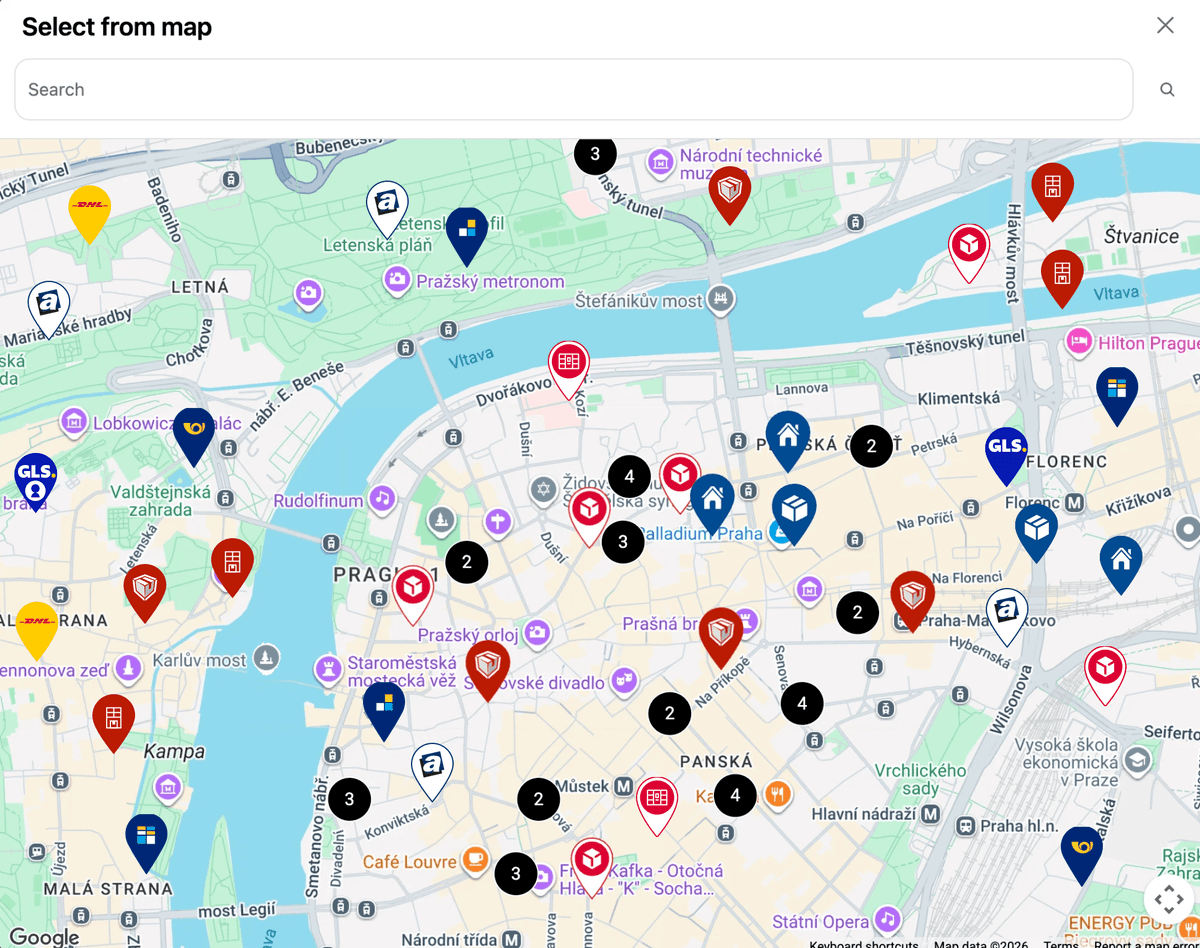
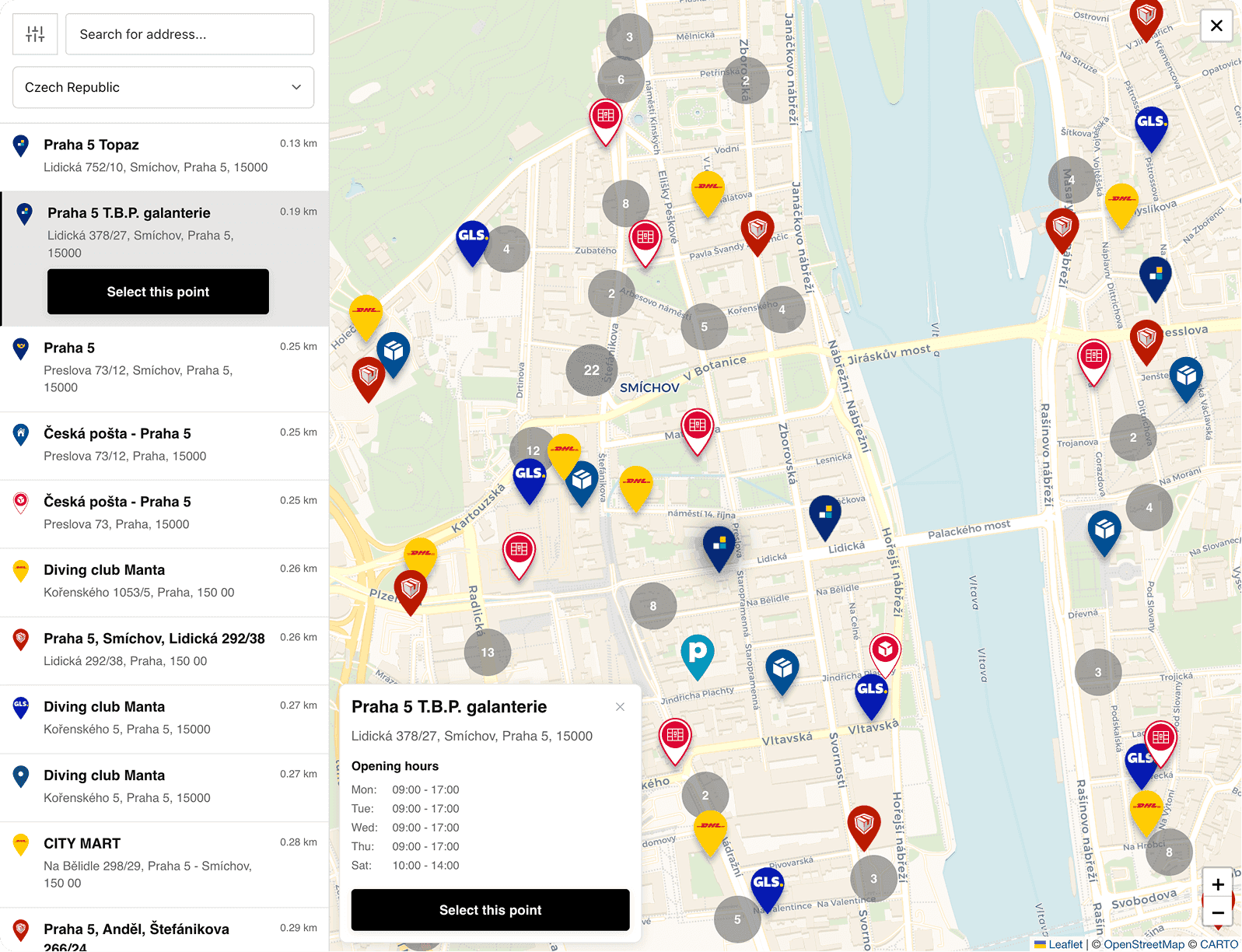
The cart widget shows nearby pickup points right on your cart page, before checkout begins. Customers pick a parcel locker or pickup point on an interactive map with address search and nearest-first sorting. It works on every Shopify plan, no Shopify Plus required, and the map runs out of the box with free monthly map views.
14-day free trial · works on every Shopify plan



Live in shops like


Case studies
Stores that let customers pick a pickup point in the cart
No Shopify Plus needed: the pickup point is chosen in the cart, before checkout. See how these stores set up the widget and which carriers it shows.
“We are extremely happy with the app. It runs flawlessly…”

 Central Europe · Shopify GrowPacketa pickup points in its own black and gold cartRead the story →
 Czechia · Shopify BasicHow Bohemian Coffee House sends freshly roasted coffee to Z-BOX lockers, picked right in the slide-out cartRead the story →
 Czechia & Slovakia · Shopify BasicPickup points and COD on plain Shopify BasicRead the story →
Why
Let customers choose before checkout, not after
Without a cart widget
- 1Pickup delivery shows up only at the last step
- 2In-checkout maps need Shopify Plus
- 3Customers who want a locker find out too late
With the cart widget
- 1Customer opens the cart
- 2Picks a point on the map
- Done.
Point chosen on the cart page
Address search, nearest first
Works on every plan
No Shopify Plus needed
Saved with the order
Flows into labels and your OMS
How it works
Pickup points before checkout
 Z-BOX Praha 5, Smíchov
No Shopify Plus required
In-checkout maps are limited to Plus by the platform. The cart widget gives every store a pickup-point picker, right on the cart page.
Fewer surprises at checkout
Shoppers who want locker or pickup delivery see it's available before they commit, instead of discovering options too late.
Picks carry through
The selected point is saved with the order and flows into your label printing and OMS integrations automatically.
Setup guide: Cart widget documentation ↗
Setup and cost
Live on the theme you already have
The widget sits in your cart page, drawer or third-party cart. You choose where, and which carriers it shows.
What you need
- Install GlobeFrom the Shopify App Store
- Add the widget to your cartPick where it sits in your theme
- Choose your carriersOnly the networks you ship with show up
Live stores
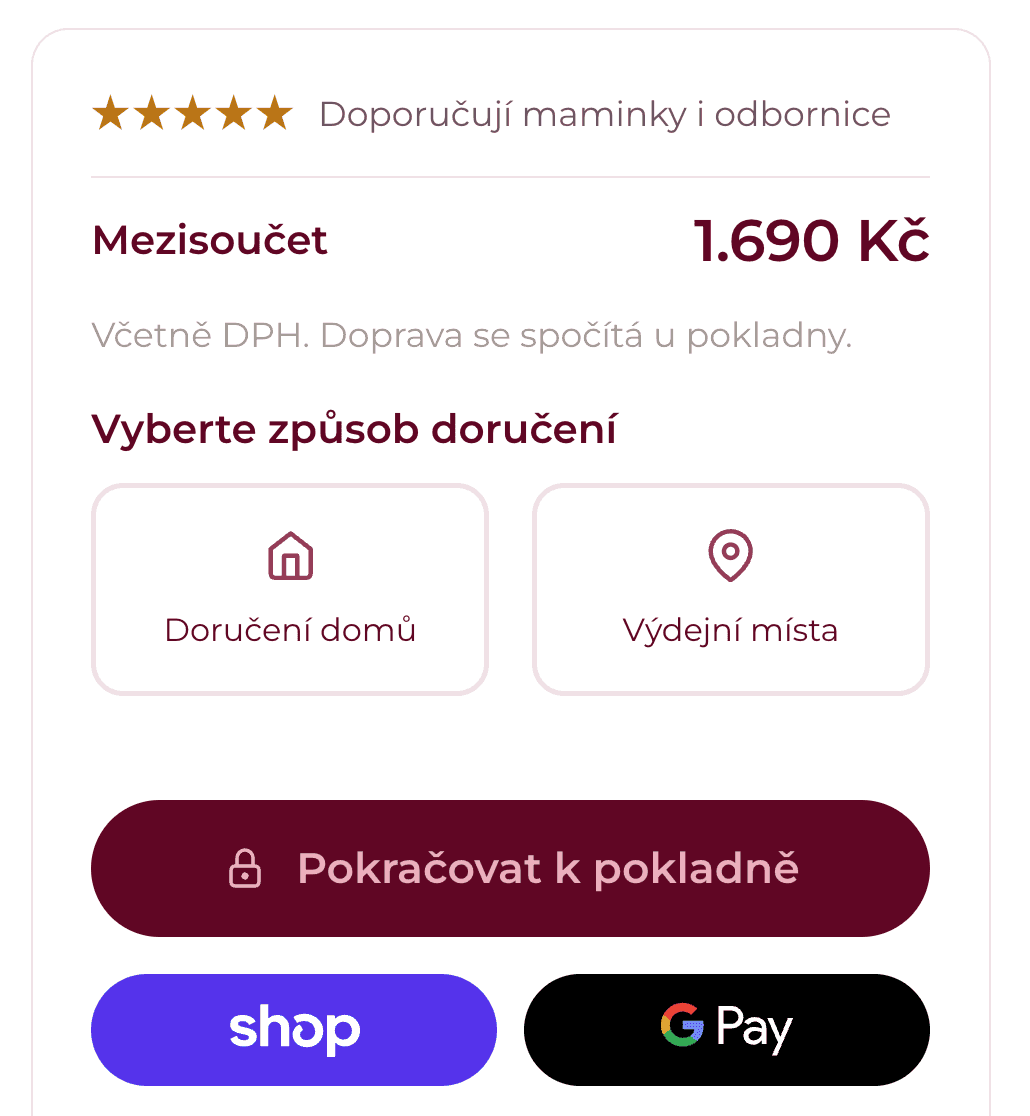
See the cart widget live
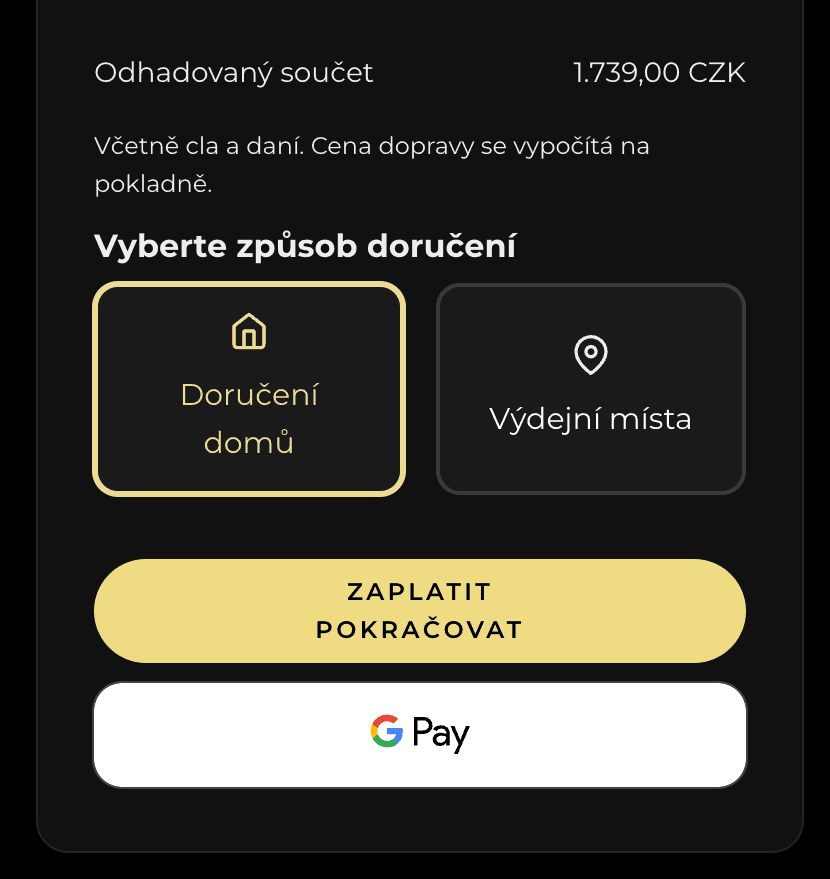
Add a product to the cart on these stores and pick a pickup point yourself. No install needed.
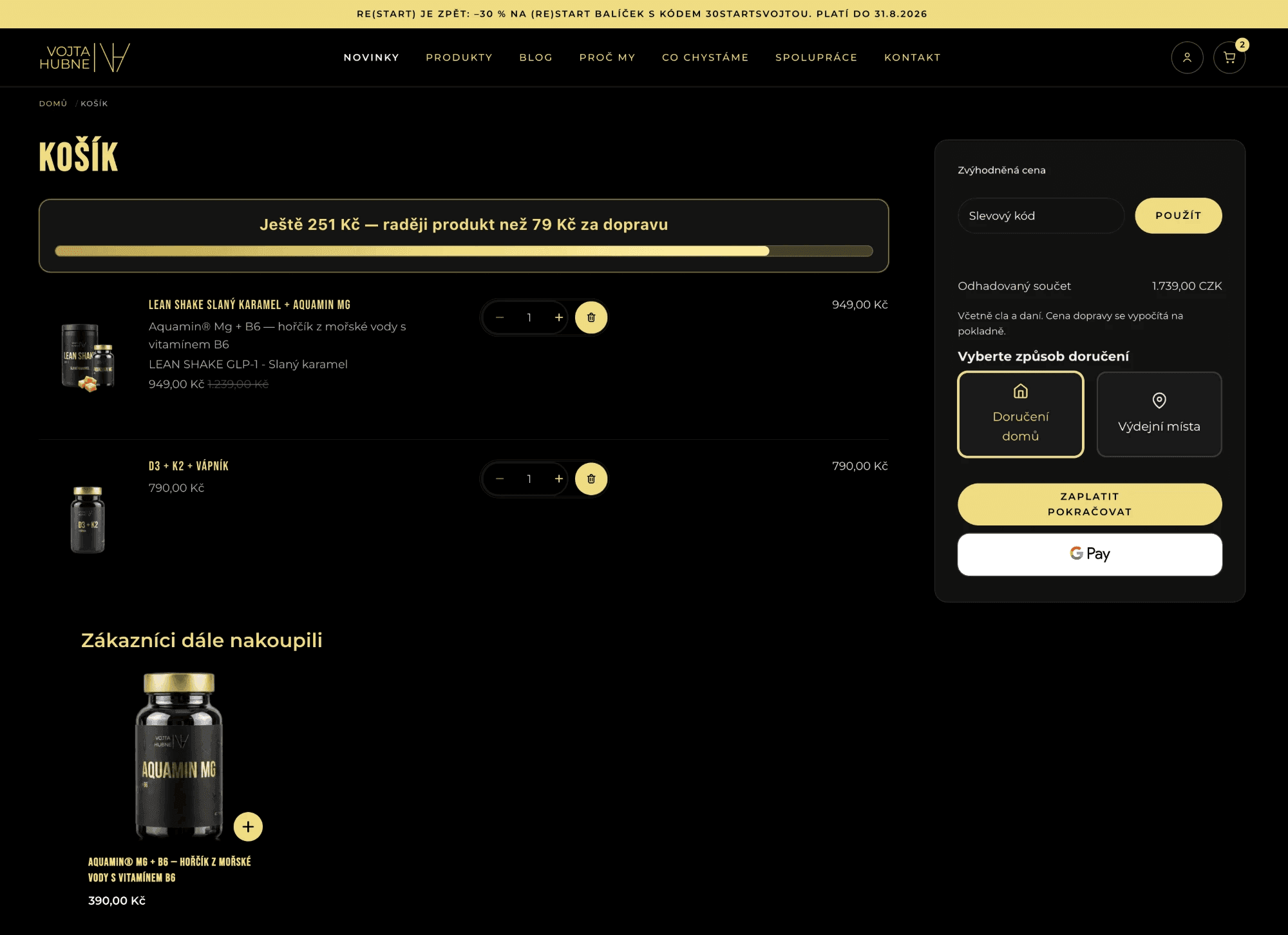
Vojta Hubne
Cart widget Vojta Hubne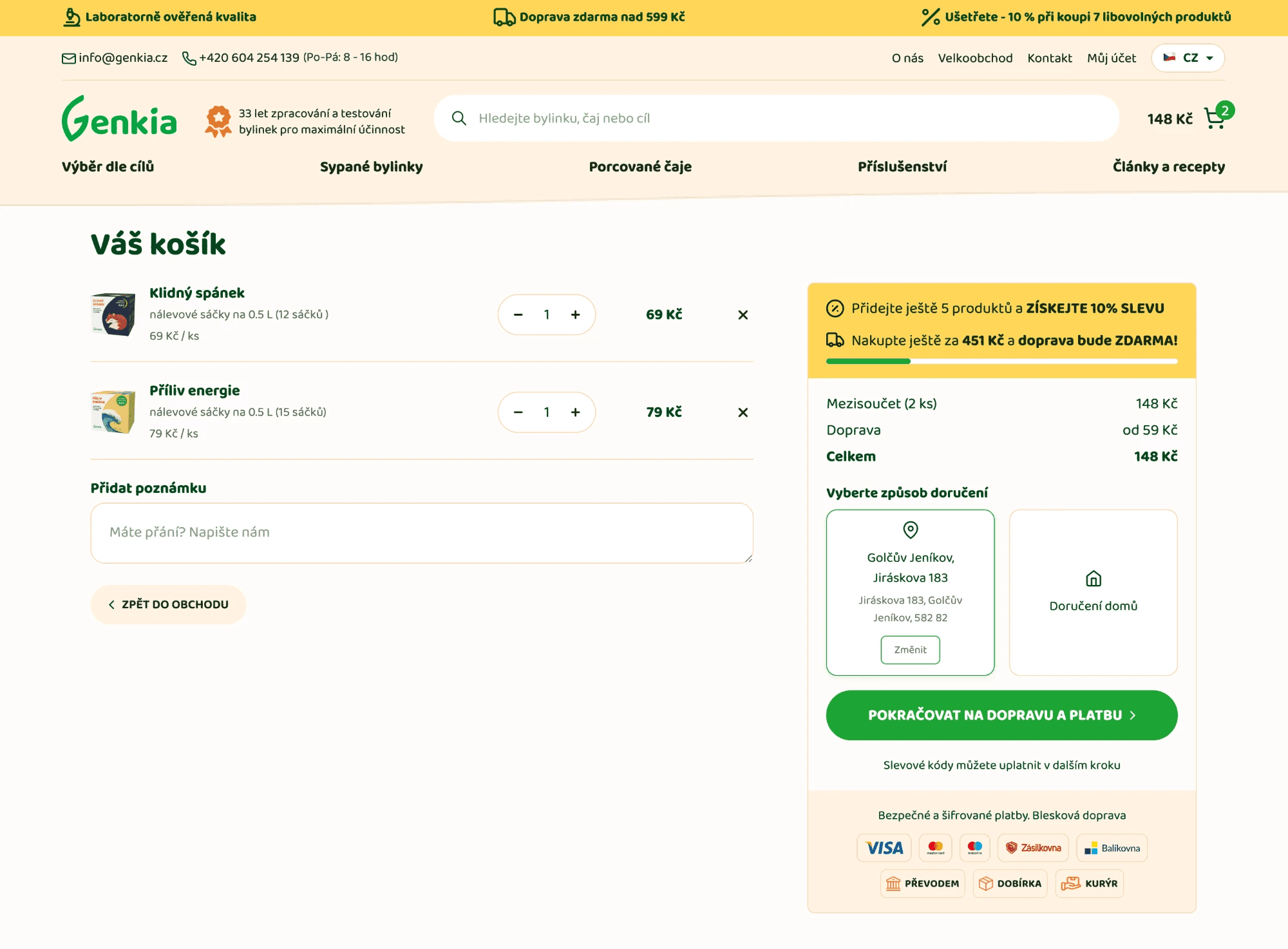
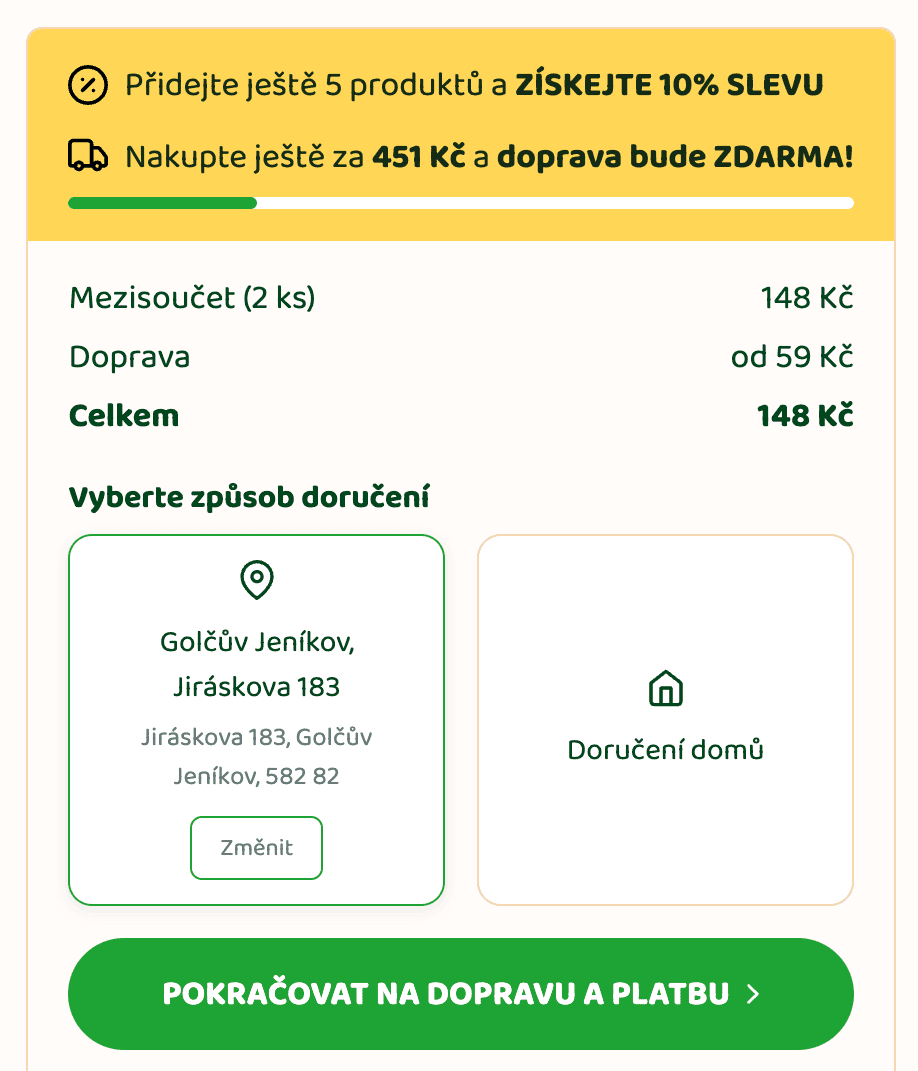
Genkia
Cart widget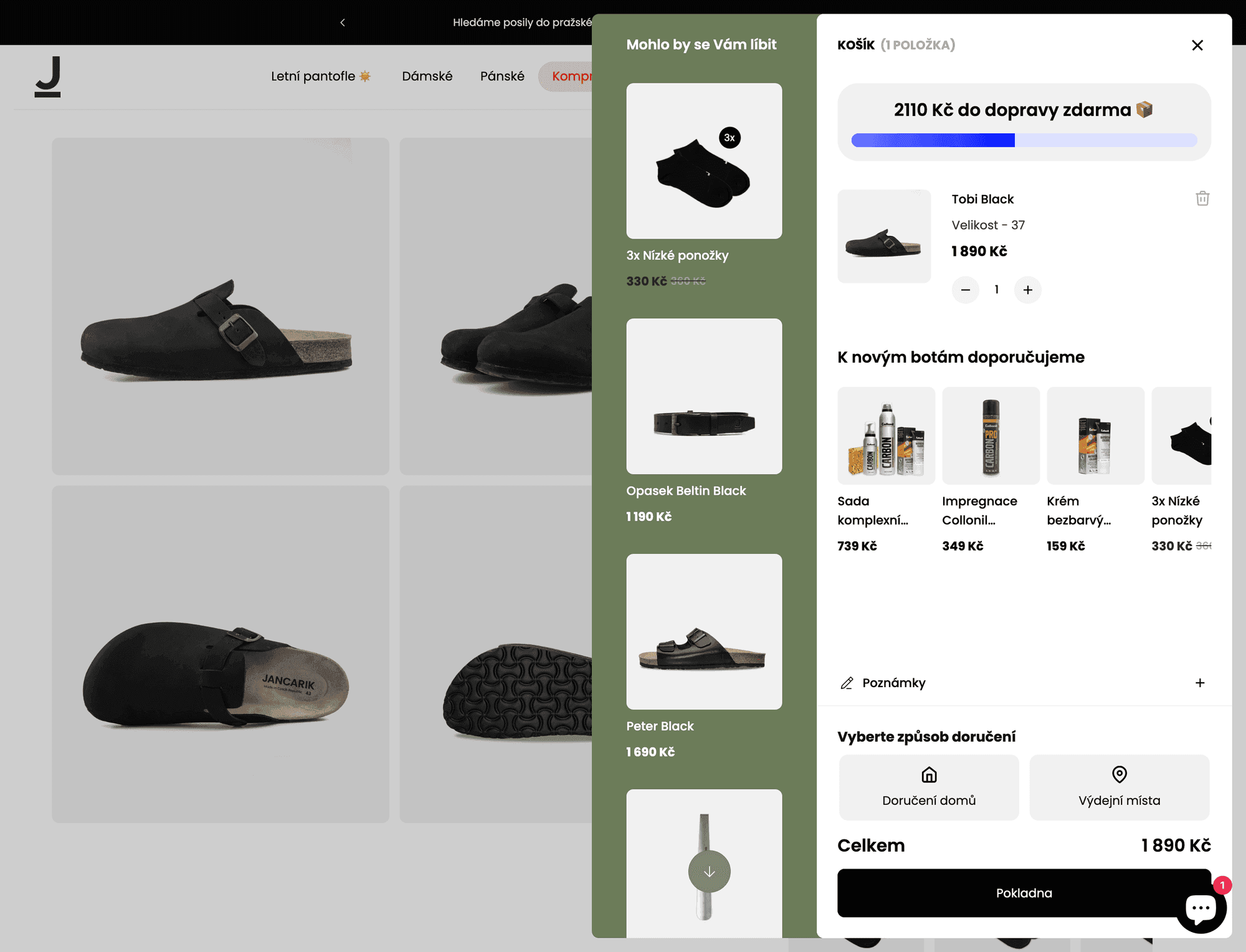
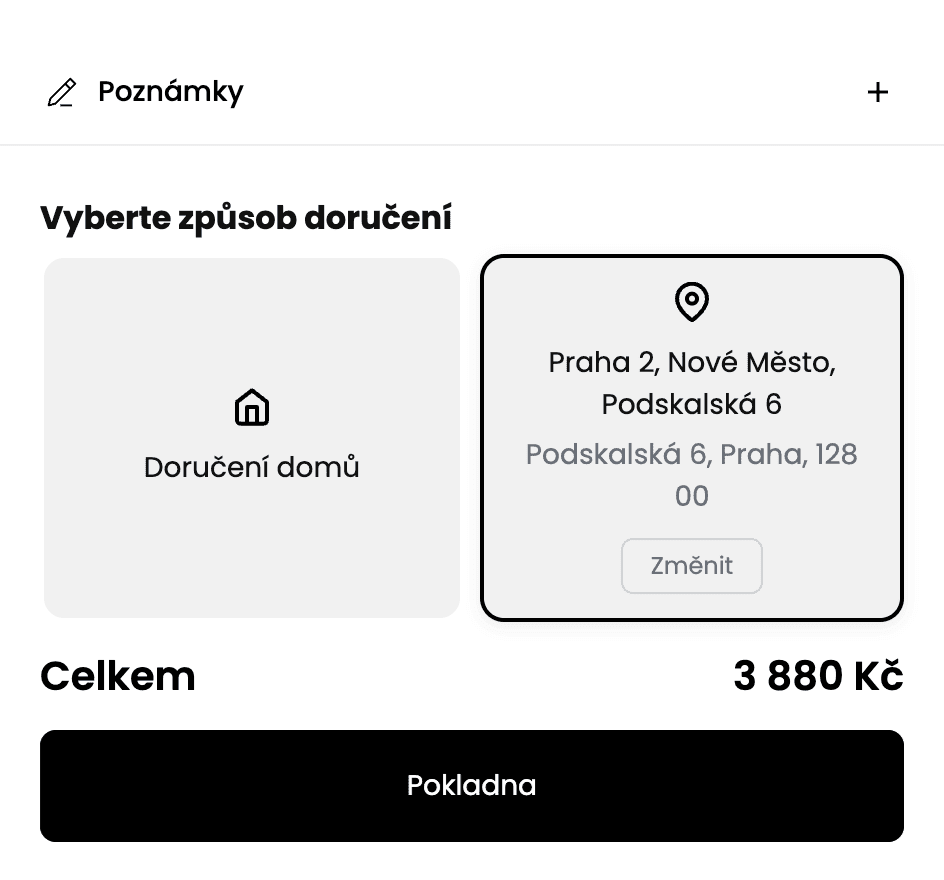
Jančařík Shoes
Cart widget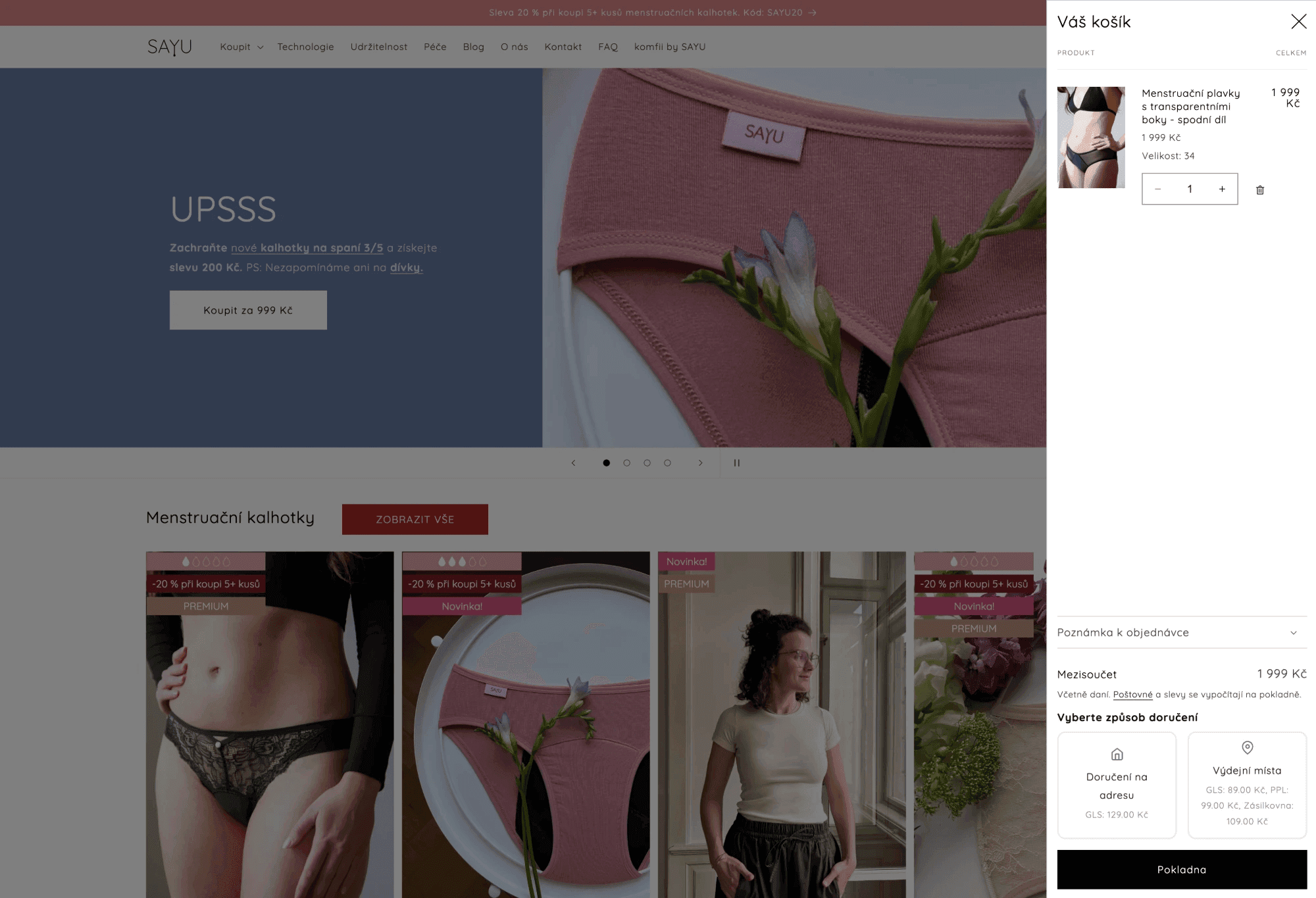
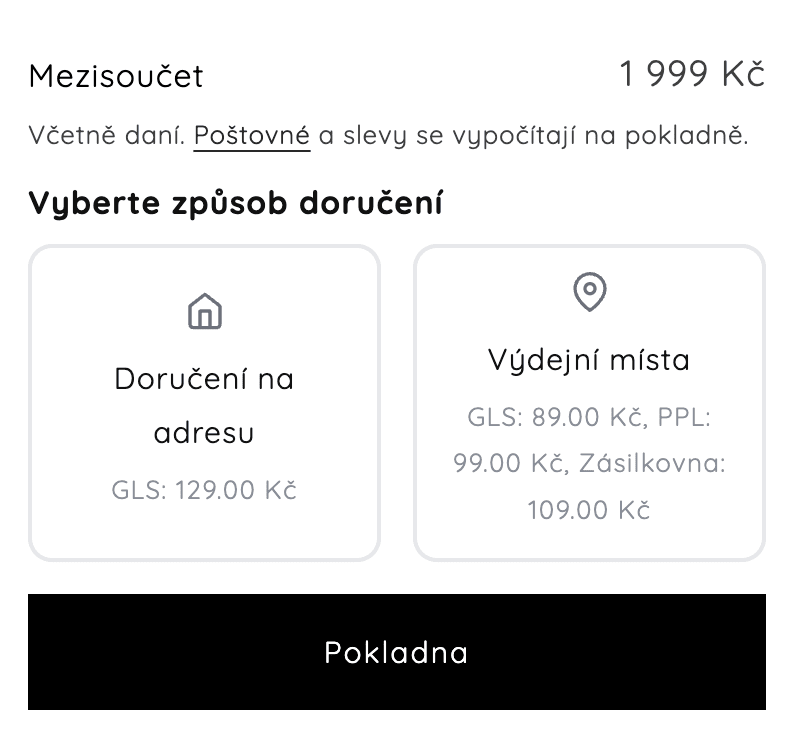
SAYU
Cart widget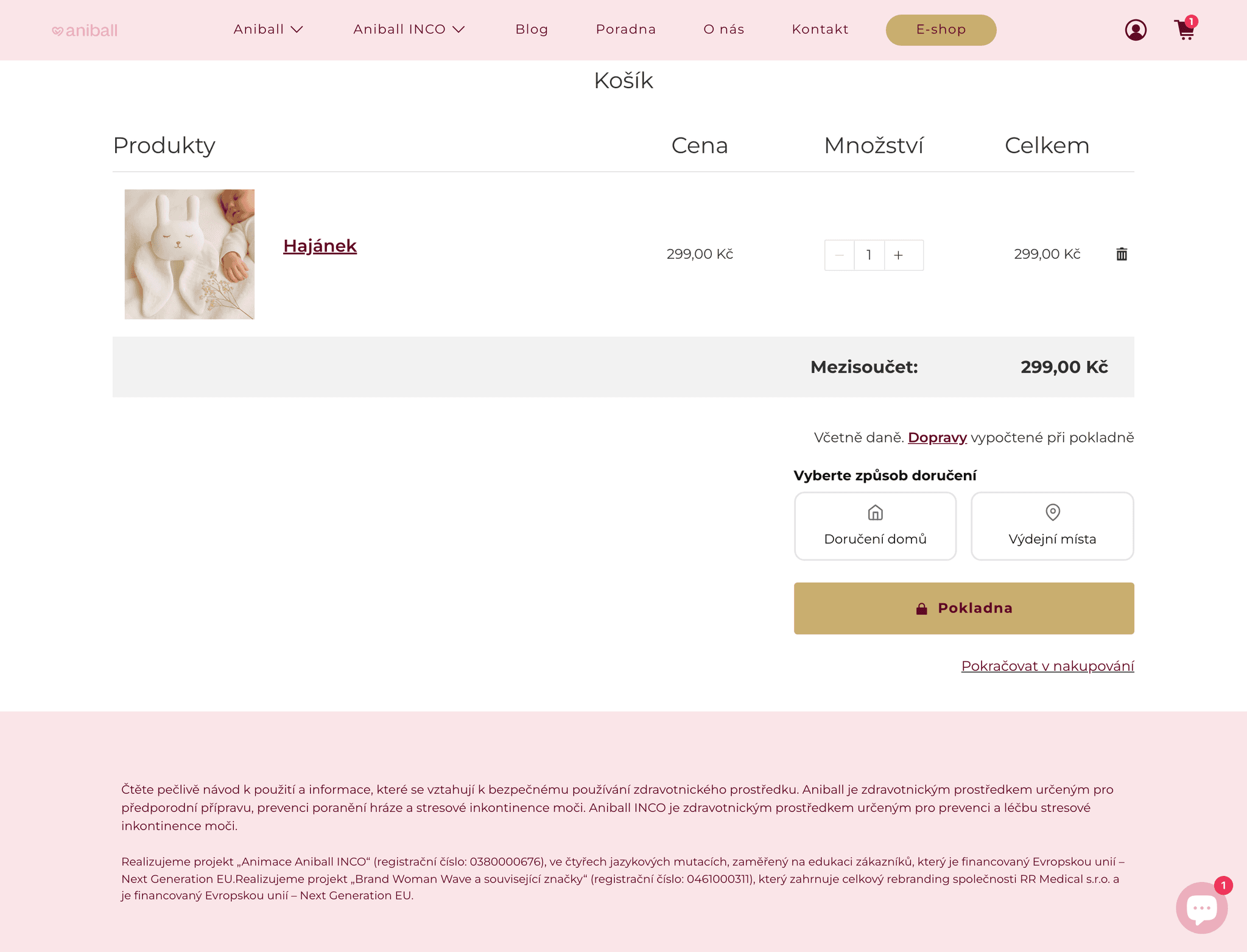
Aniball
Cart widget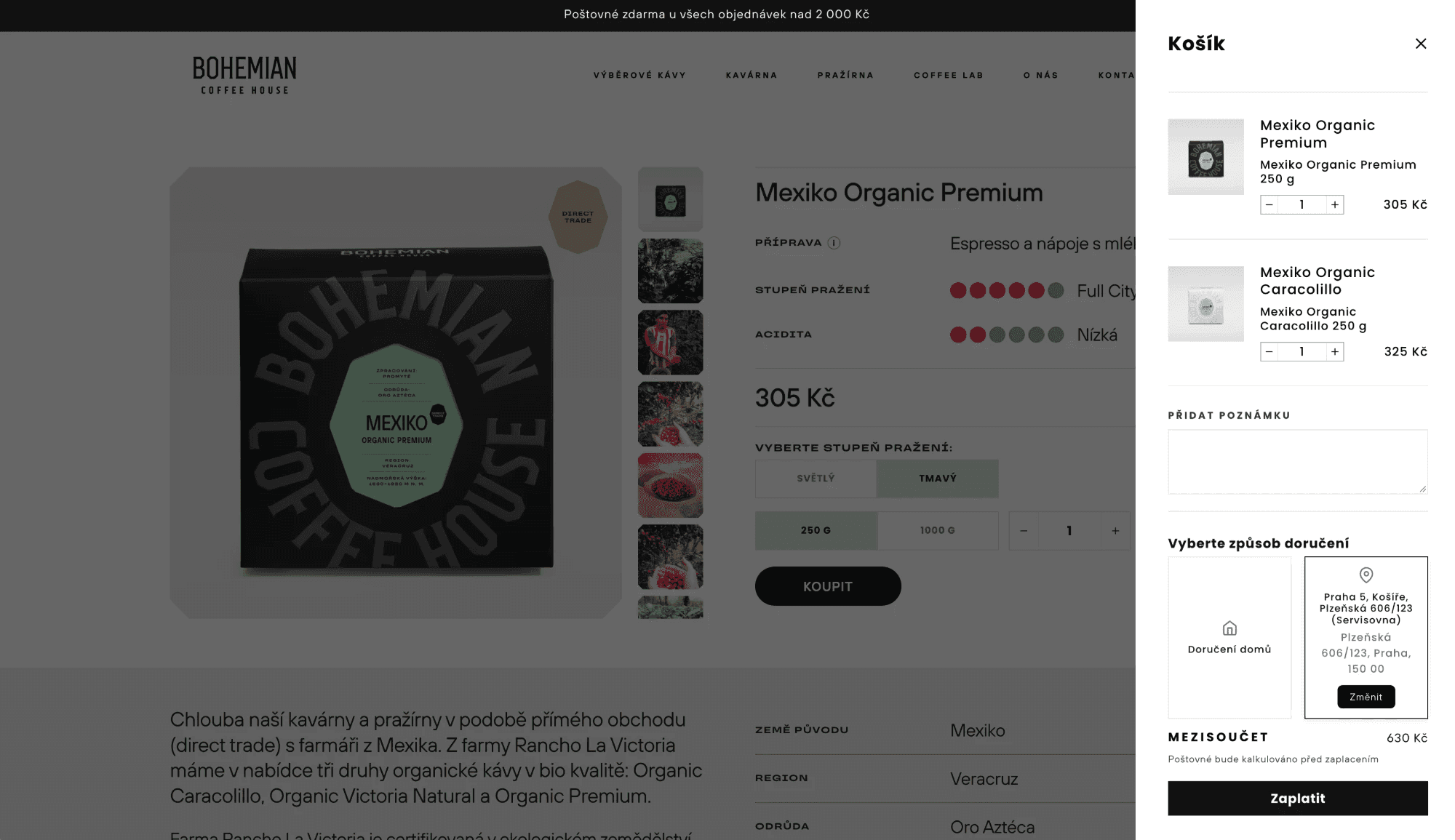
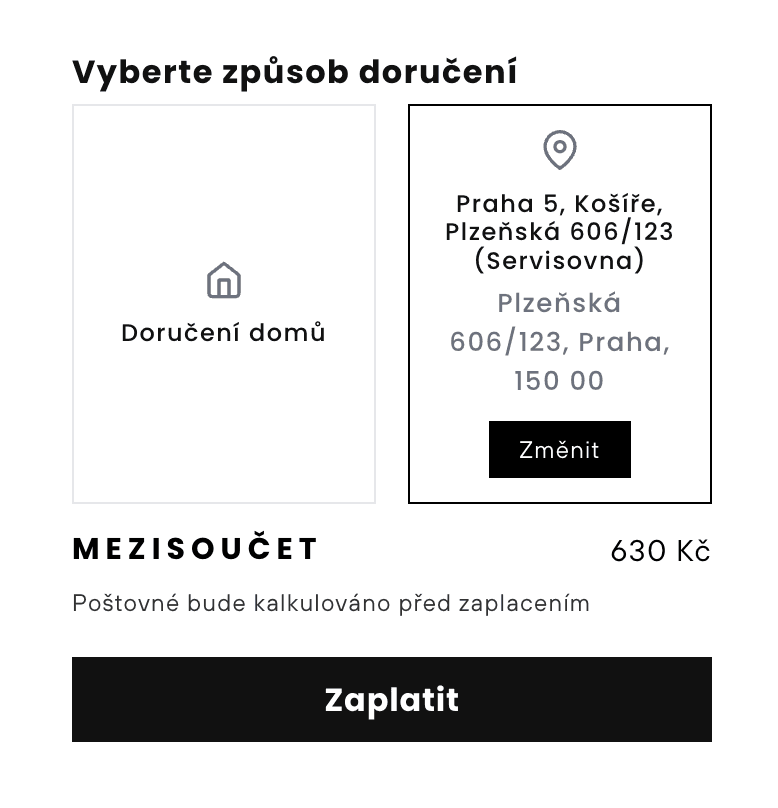
Bohemian Coffee House
Cart widget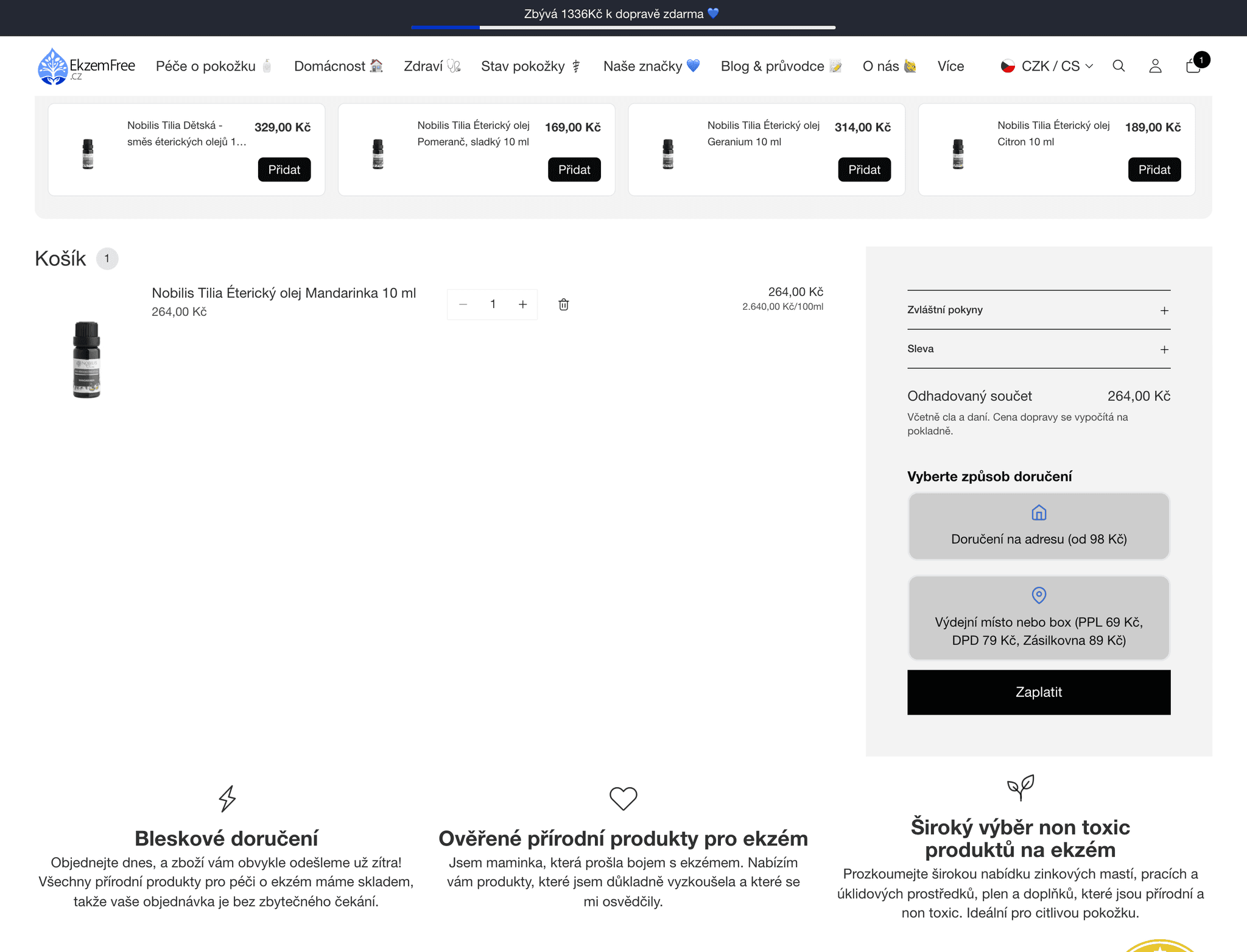
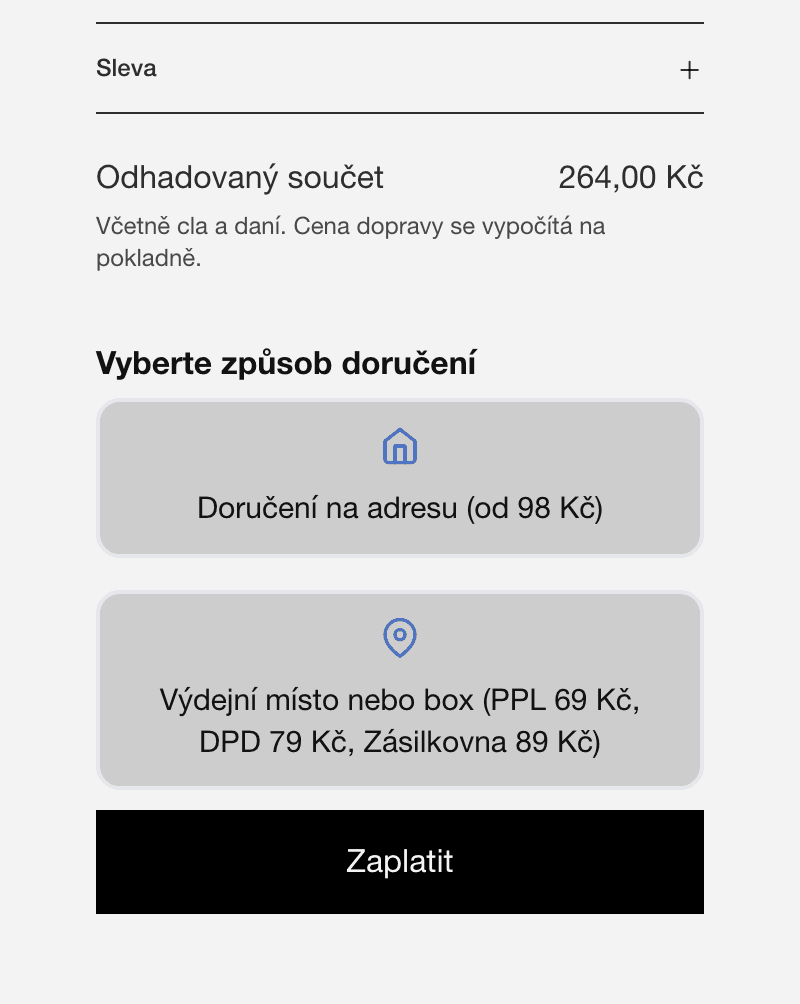
EkzemFree
Cart widget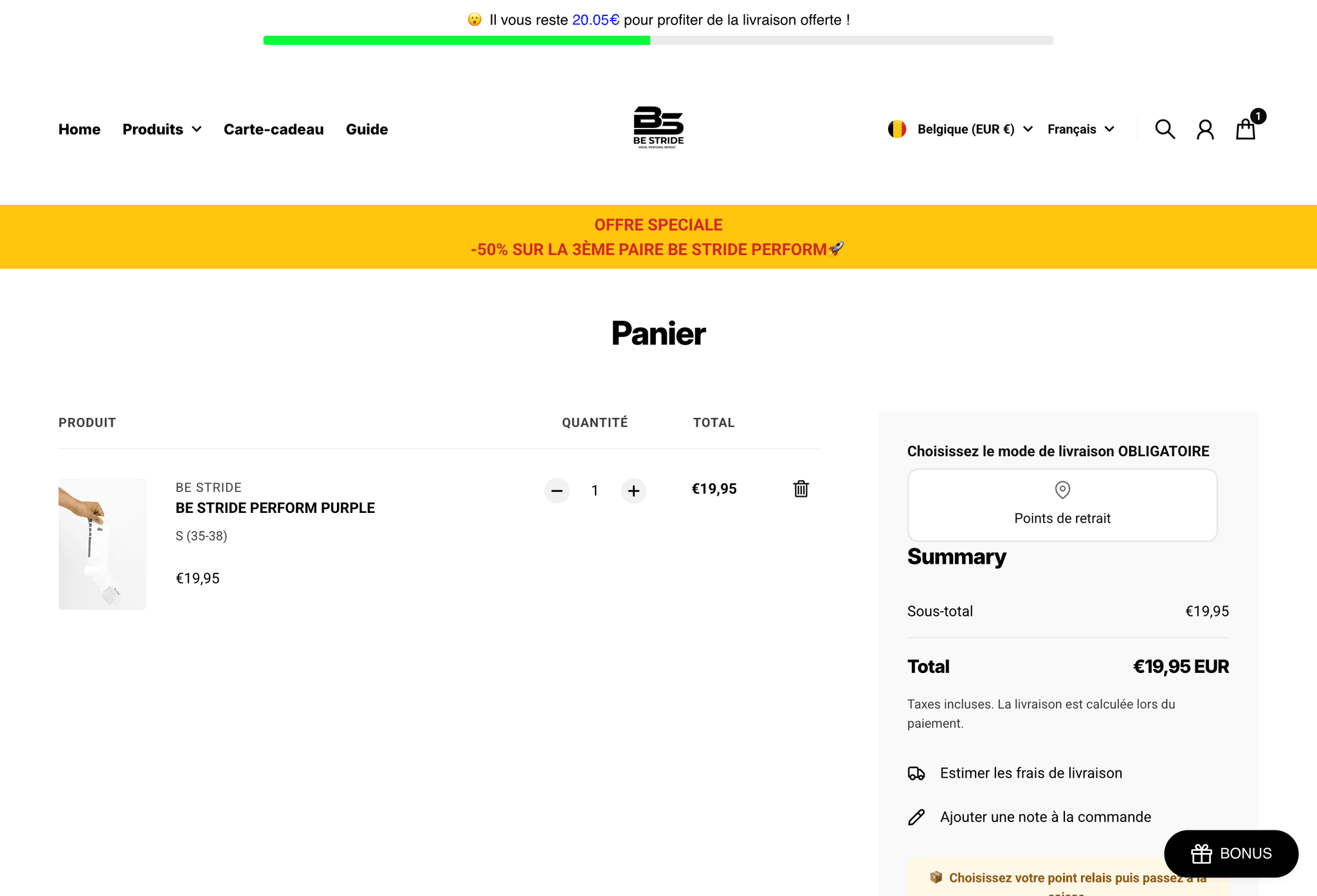
BE STRIDE
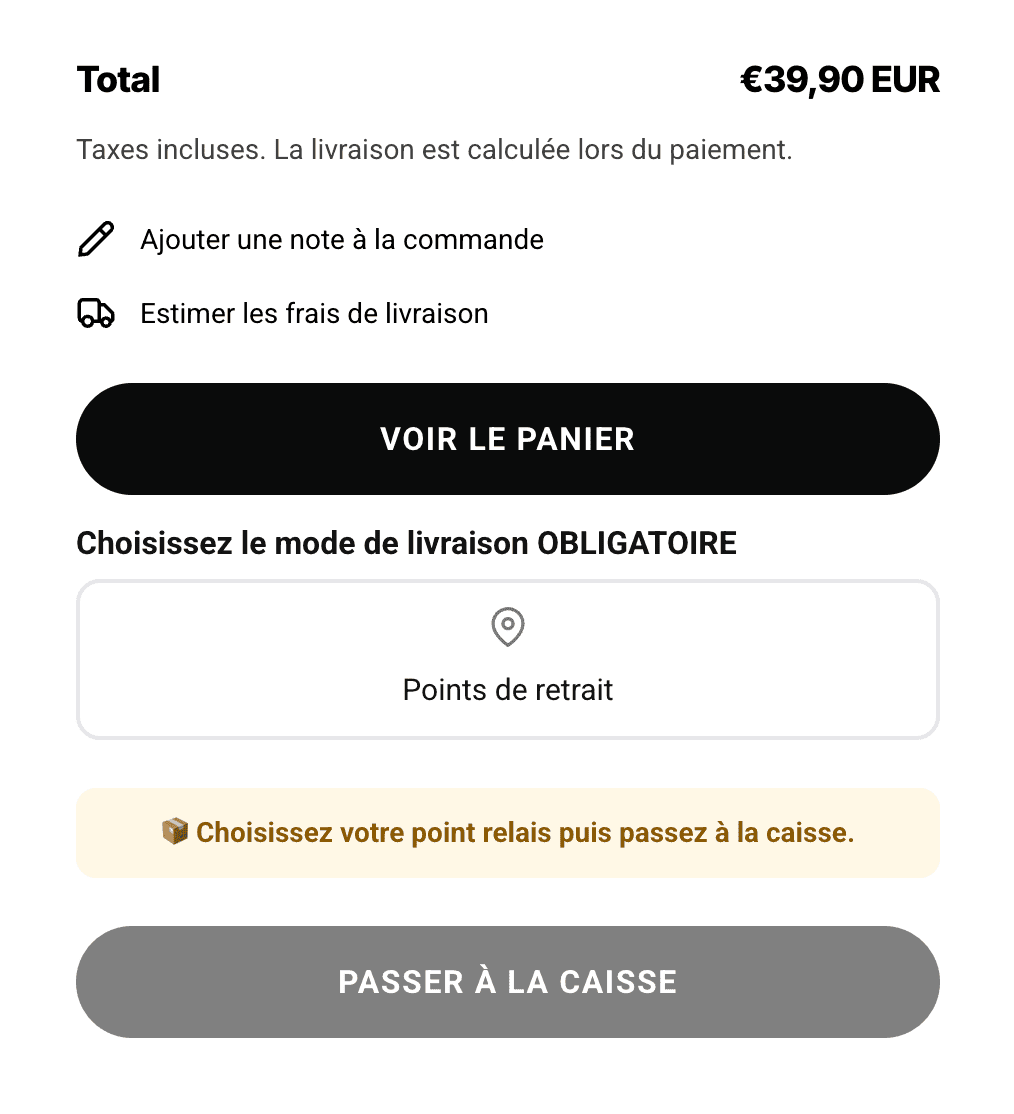
Cart widget BE STRIDE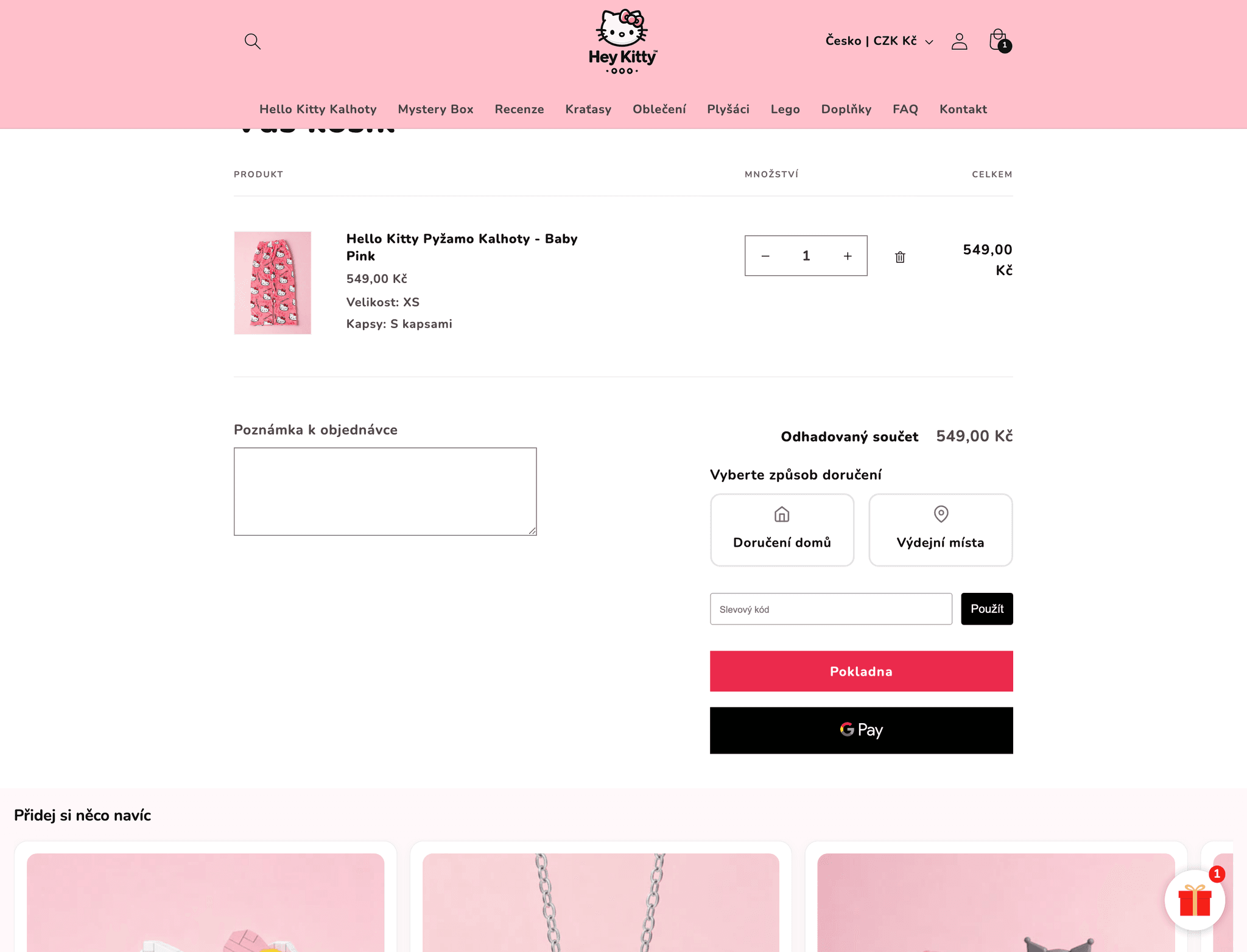
Hey Kitty
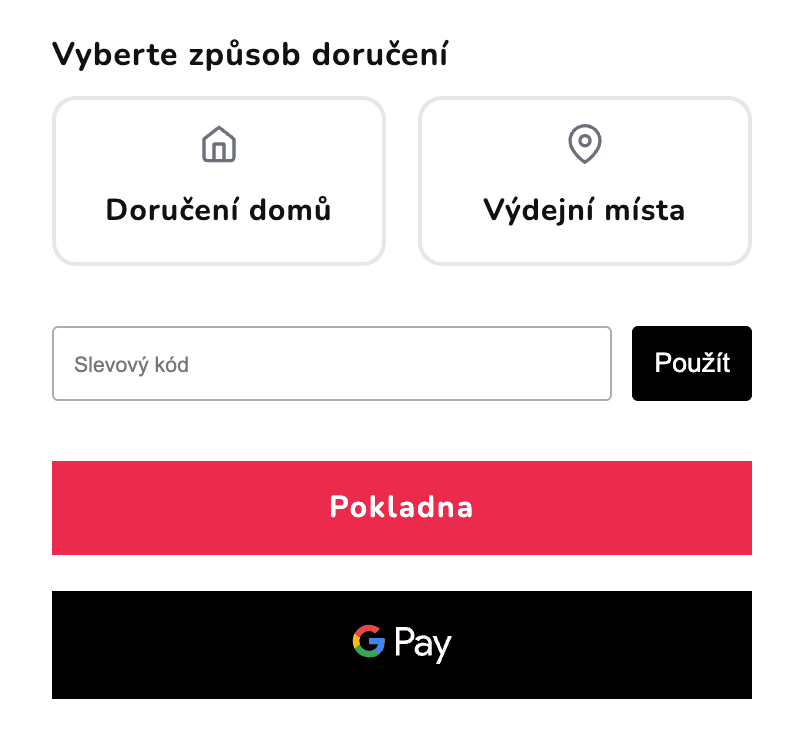
Cart widget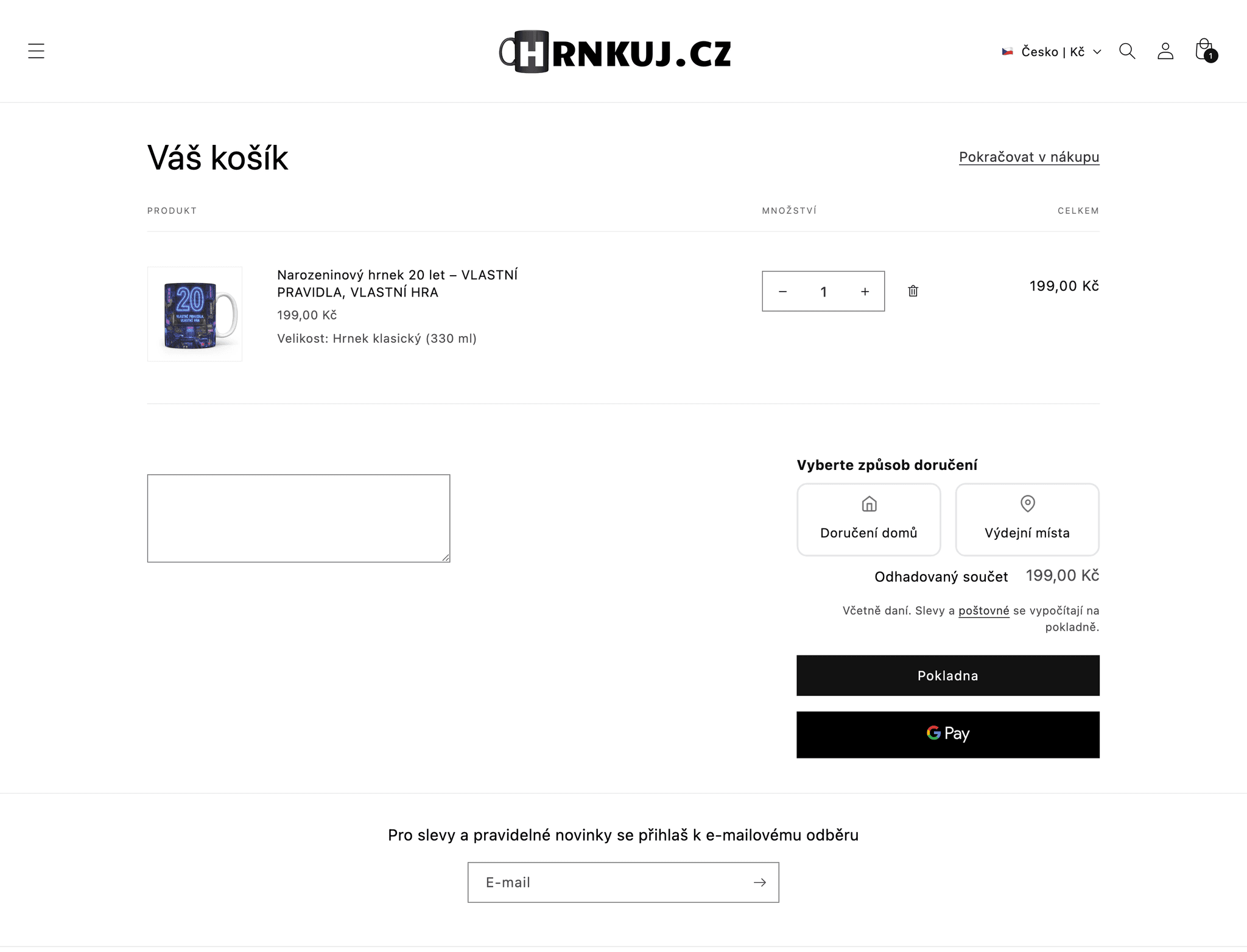
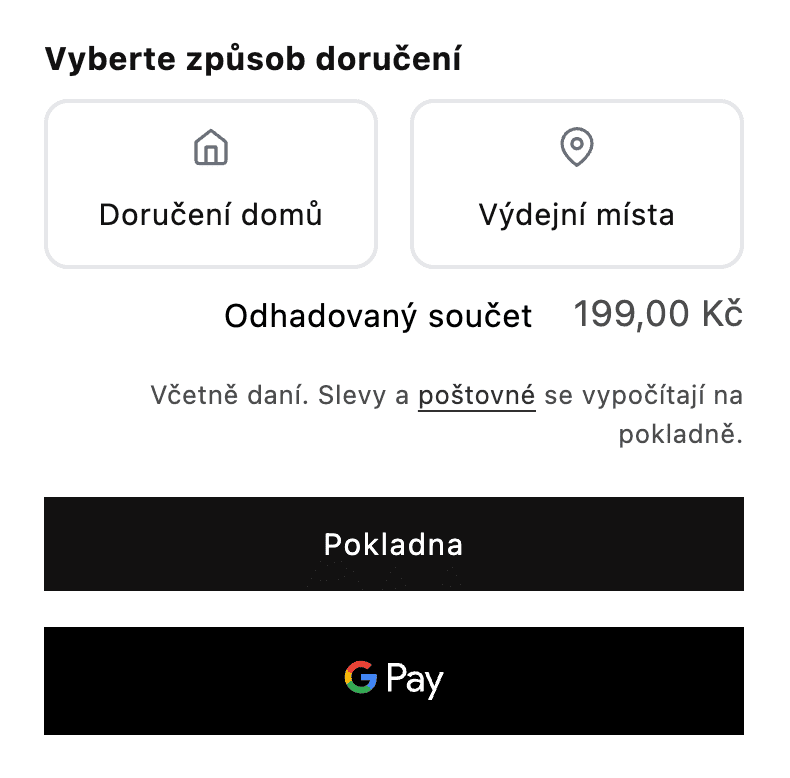
Hrnkuj.cz
Cart widgetFAQ
Frequently asked questions
Can't find your answer? Write to us.
Does the cart widget work on the Basic Shopify plan?
Yes. The cart widget works on all Shopify plans.
Where does the widget appear?
On any cart layout: the standard cart page, cart drawers, and most third-party cart apps. It's added through your theme and can be styled to match your store.
Is the selected pickup point saved to the order?
Yes, and the chosen pickup point address can be prefilled in checkout automatically, making the flow smoother for the customer. The selection is then stored on the order like any other pickup point choice and used for exports, label printing and OMS sync.
How do I choose where the widget sits in my cart?
In Settings → Cart widget → Placement, click Detect placement in my store. Your storefront opens with each possible spot outlined and a preview of the widget in place. If your theme uses a cart drawer, open it while detection is running and pick a spot inside it too. No CSS selector required.
Can customers choose local pickup in the cart?
Yes. The widget can show an optional third card, Local pickup, next to Home delivery and Pickup points. When the customer picks it, checkout opens straight on store pickup and they choose the store there. It uses the locations you set up in Shopify's Pickup in store. Turn it on in Settings → Cart widget → Advanced settings → Show local pickup.
More in Globe
Every feature works with the others
Every feature is part of Globe, the top-rated Shopify pickup points app.
14-day free trial
Put pickup points in your cart today.
Streamline your shipping with 65+ carriers, automated label printing, and over 5M+ pickup points worldwide. Start in minutes with our free 14-day trial. Quick setup, no commitments.